


SPECIFICATIONS
Brand Name: KWHUD
Cable Length: 2.5M
Choice: yes
Compatible With: Suitable for All Cars
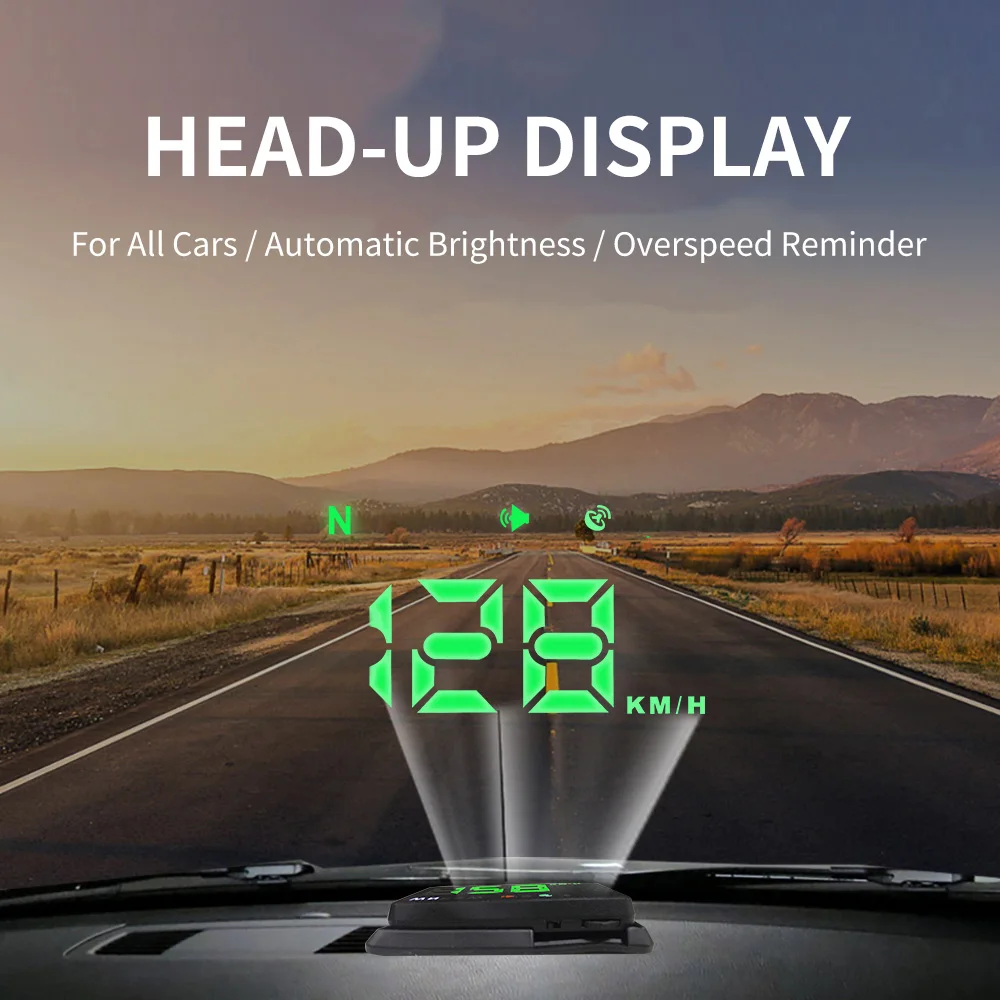
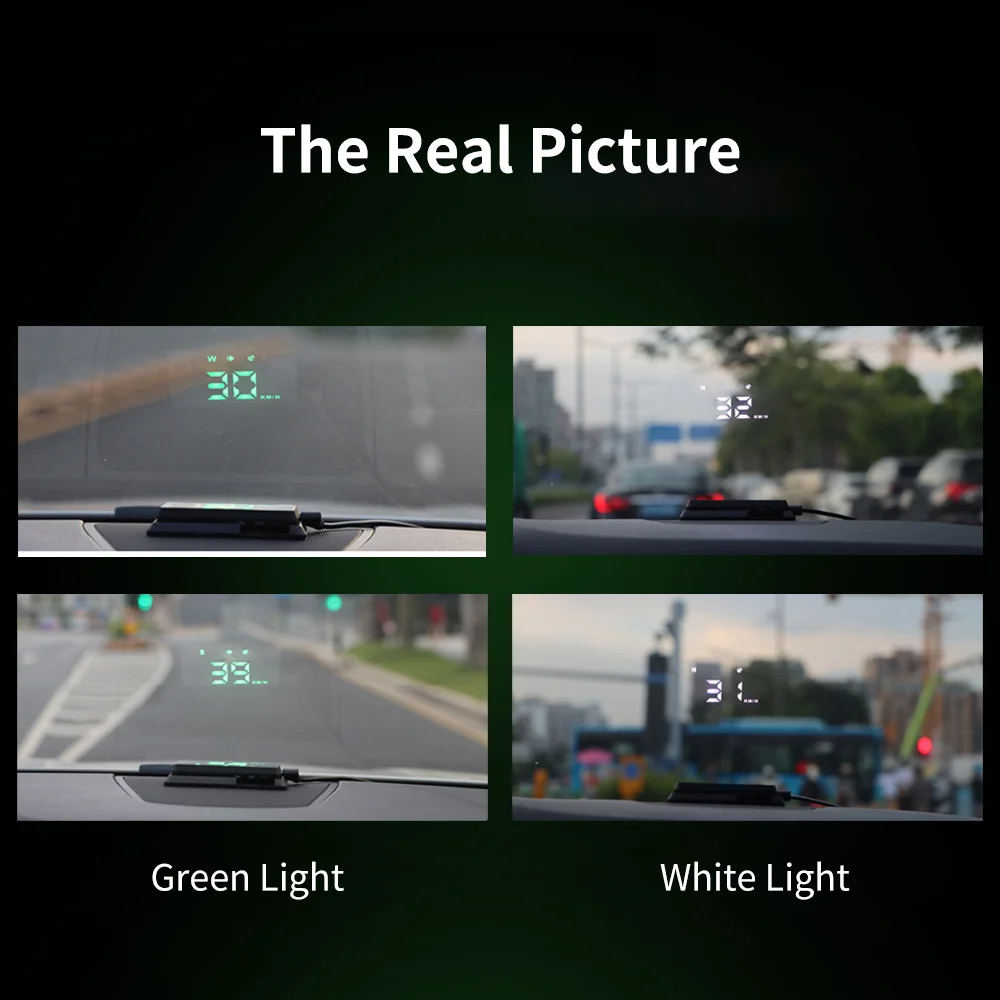
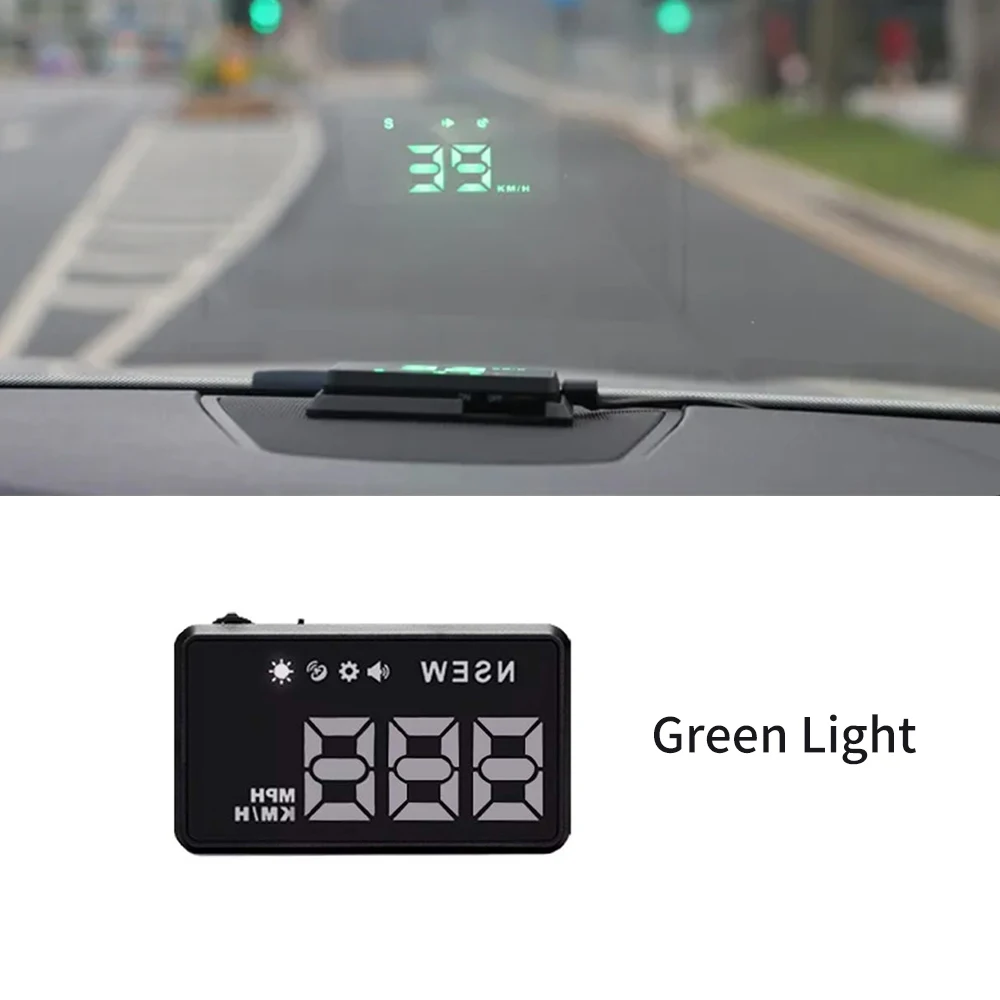
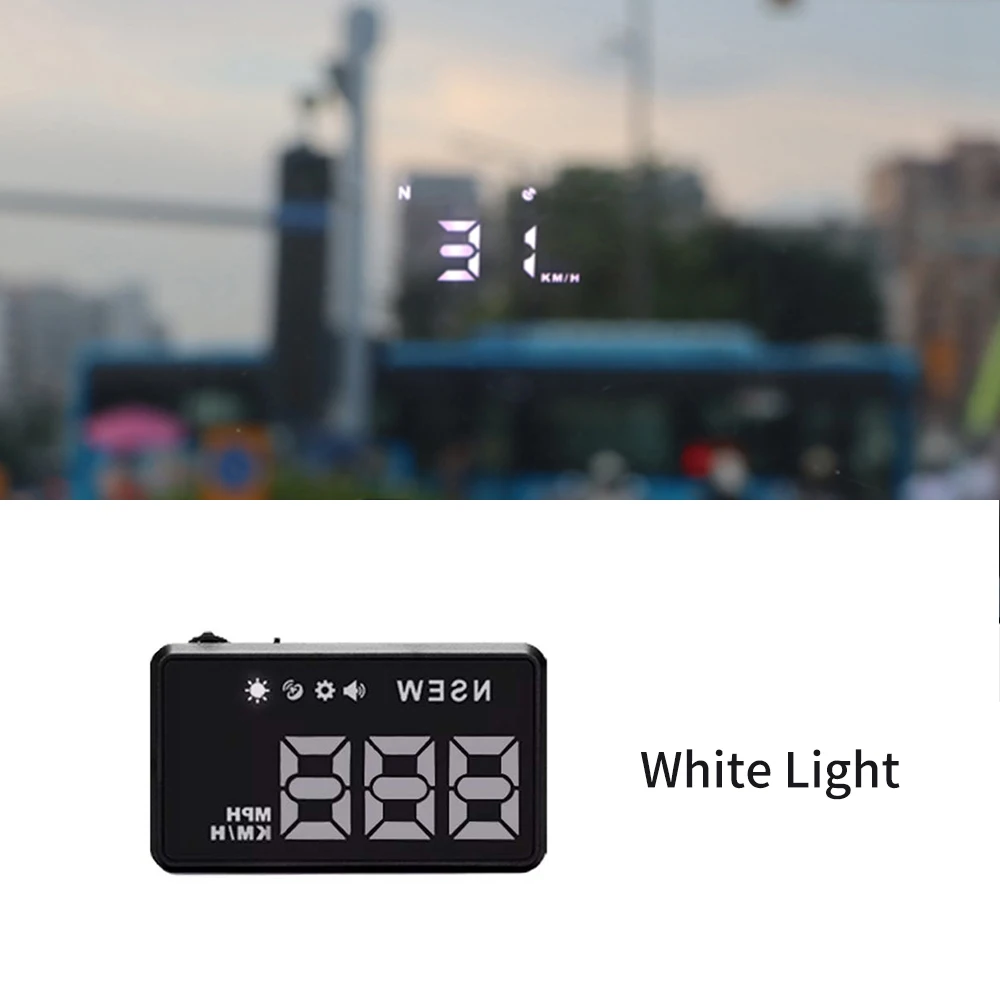
Function: GPS Speed(KM/H , MPH), Compass(E/S/N/W), Speed Alarm, Automatic and Adjustable Brightness.
High-concerned chemical: None
Origin: Mainland China
Please Noted: If your car windshield glass is covered with a metal film, it may block the GPS signal.please don't buy this device.
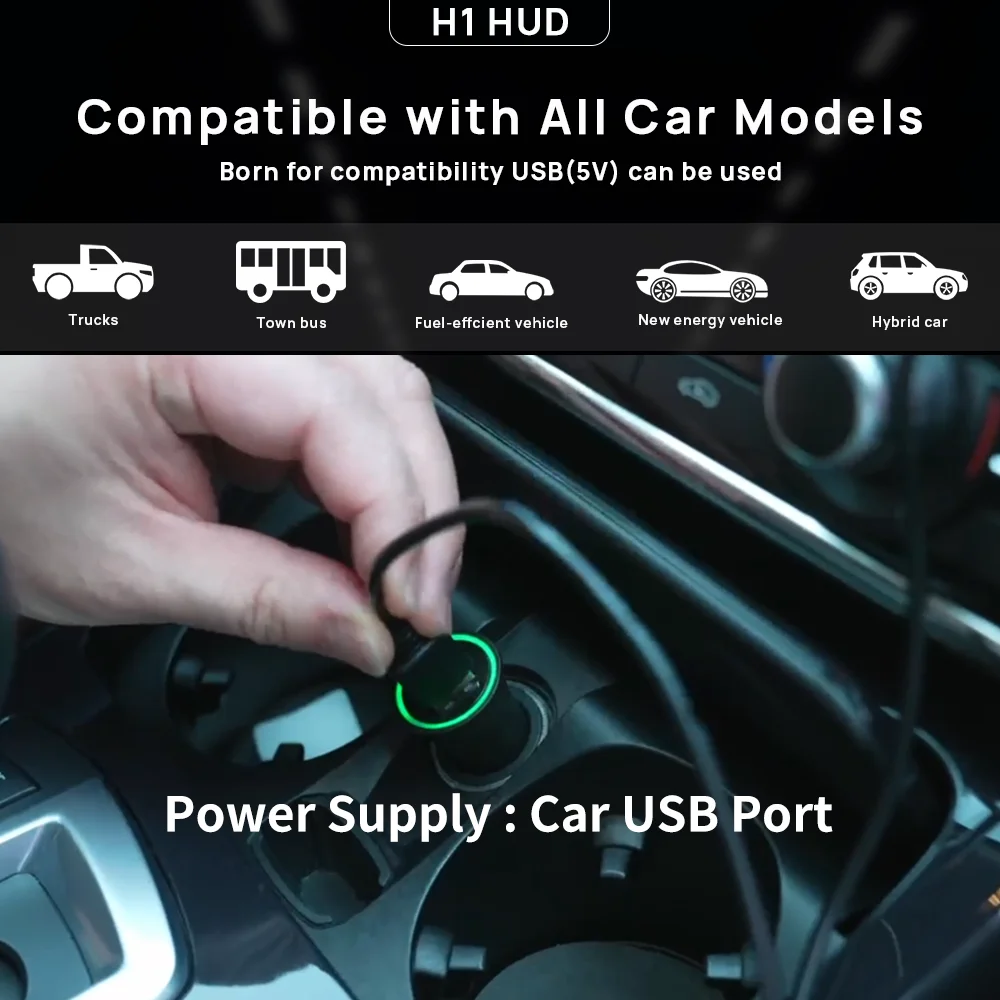
Power Supply: Car USB Port (Input: DC 5V)
Rated Power: DC 5V
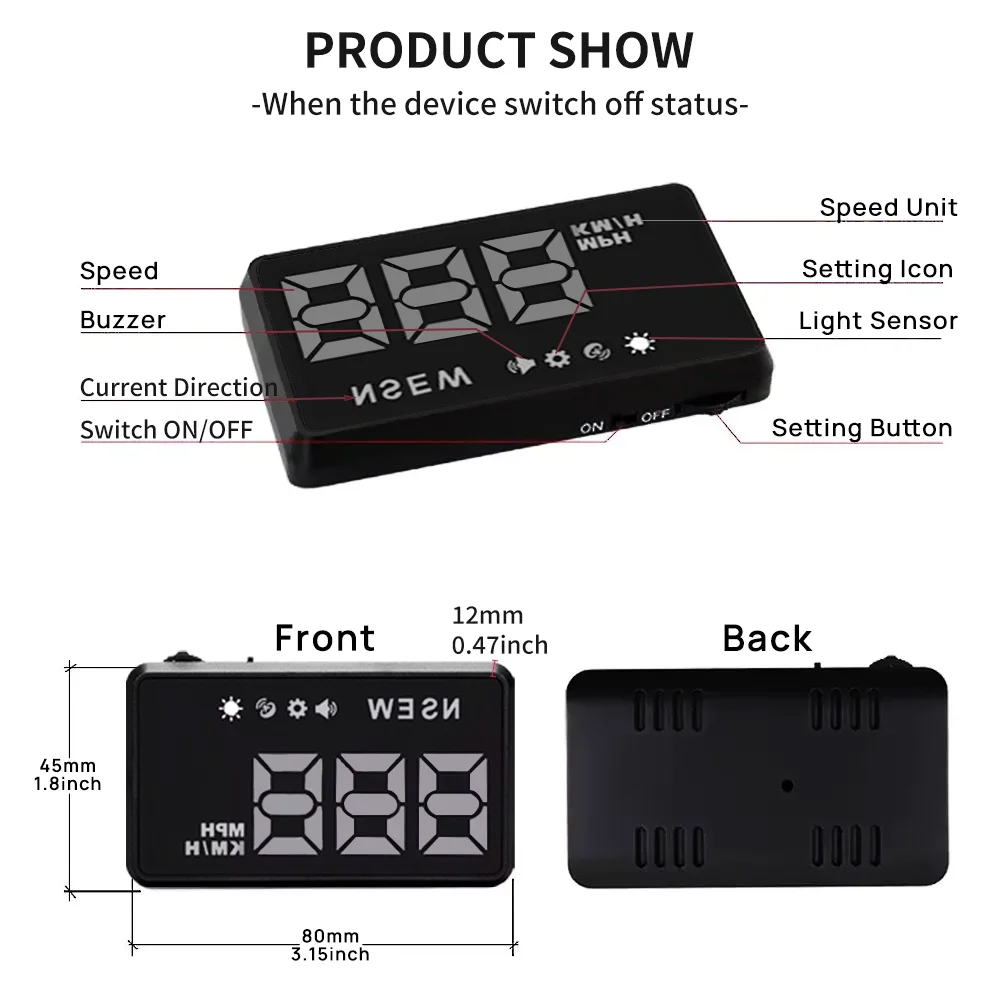
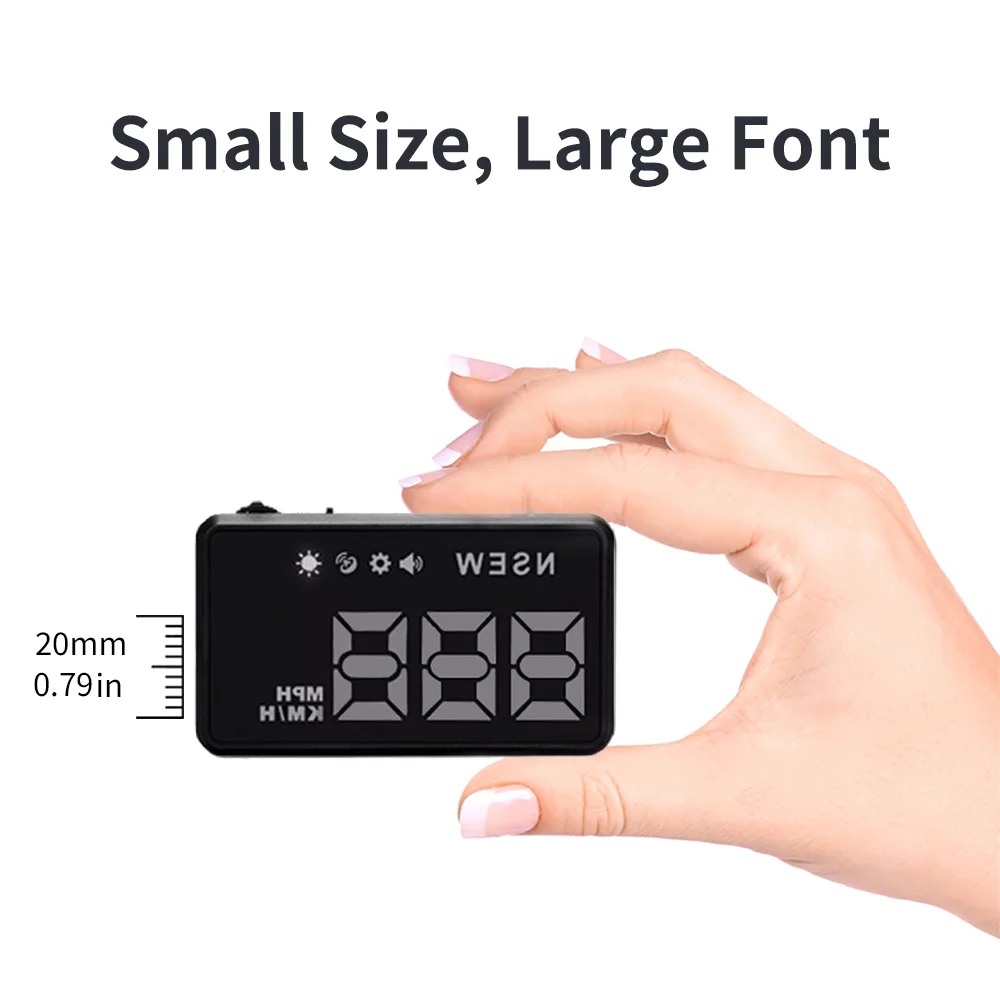
Size Name: 80*45*12mm/ 3.15*1.77*0.47 inch
Speed Unit: KM/H, MPH, Free to Switch.
Wire or Wireless: Wired
Please Noted:
If your car windshield glass is covered with a metal film, it may block the GPS signal.please don't buy.
Compatible With:
Universal for All Cars, Trucks, Buses..
Feature:
1.Display Data: GPS Speed(KM/H, MPH), Compass(E/W/S/N).
2.Size: 80*45*12mm/ 3.15*1.77*0.47 inch.
3.Power Supply: Car USB Port(Input Voltage: 5V)Function:
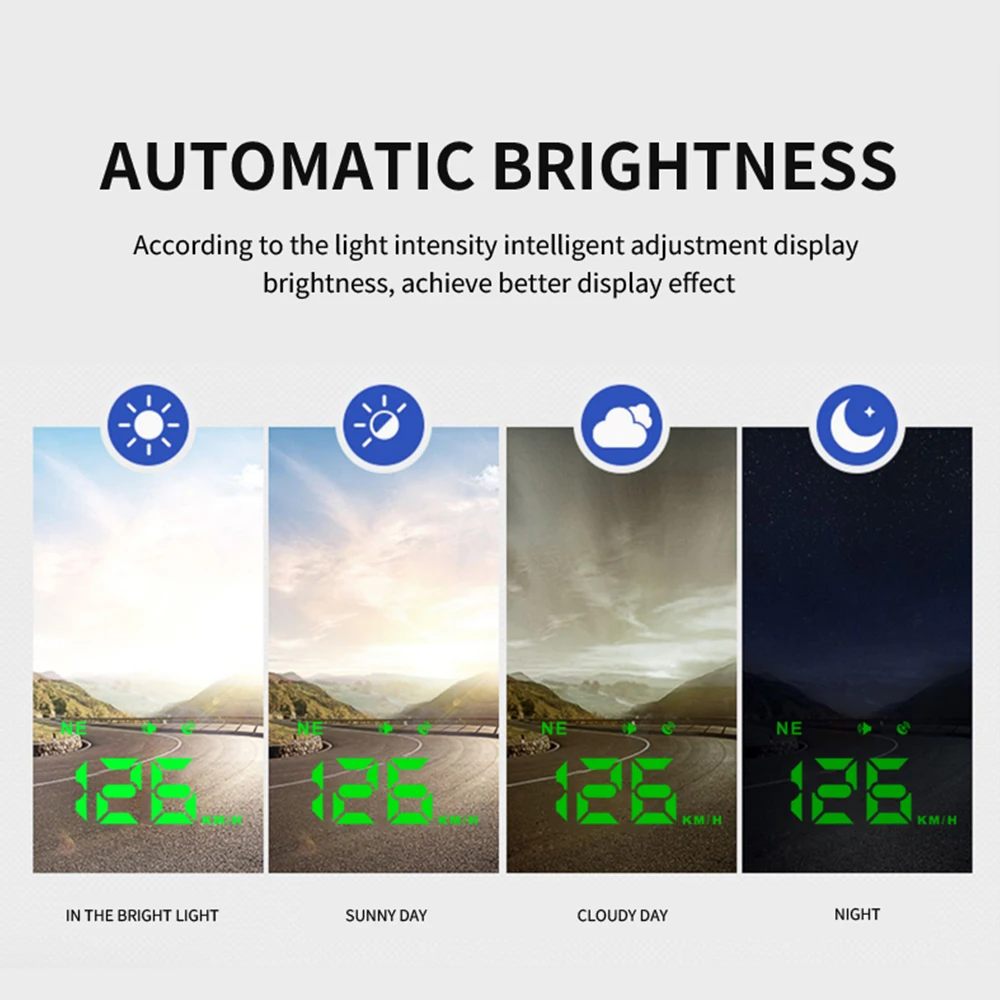
1.Light Senor: Automatic and adjustable brightness;
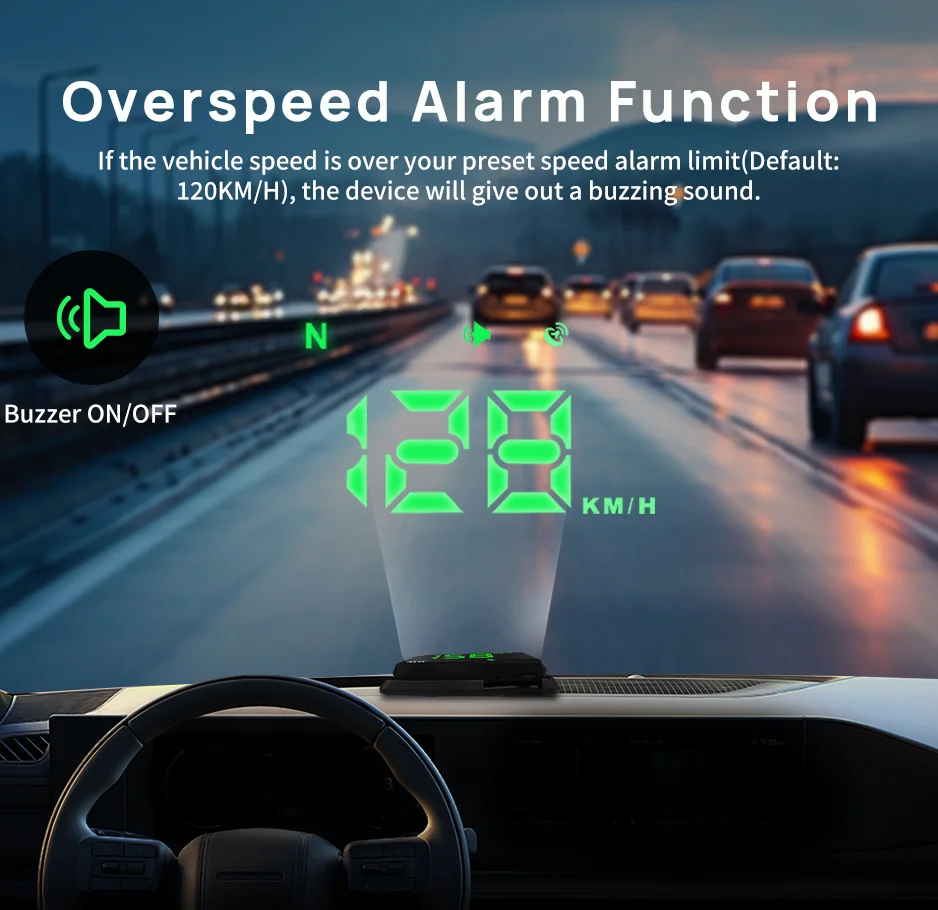
2.Speed Alarm: If the speed is over your preset speed limit, the device will alarm to remind you;
3.LED Screen, HD Large Font: Can see the speed data clearly.Package Included:
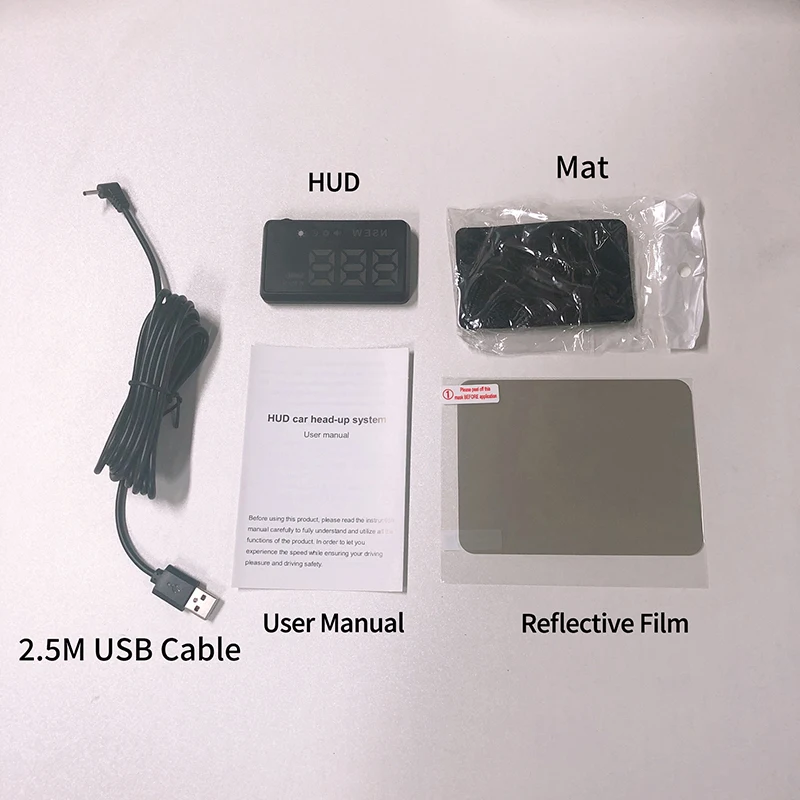
1 x GPS Head up Display
1 x USB Cable(2.5M)
1 x Reflective Film
1 x Non-slip Mat
1 x User ManualHow to Install:
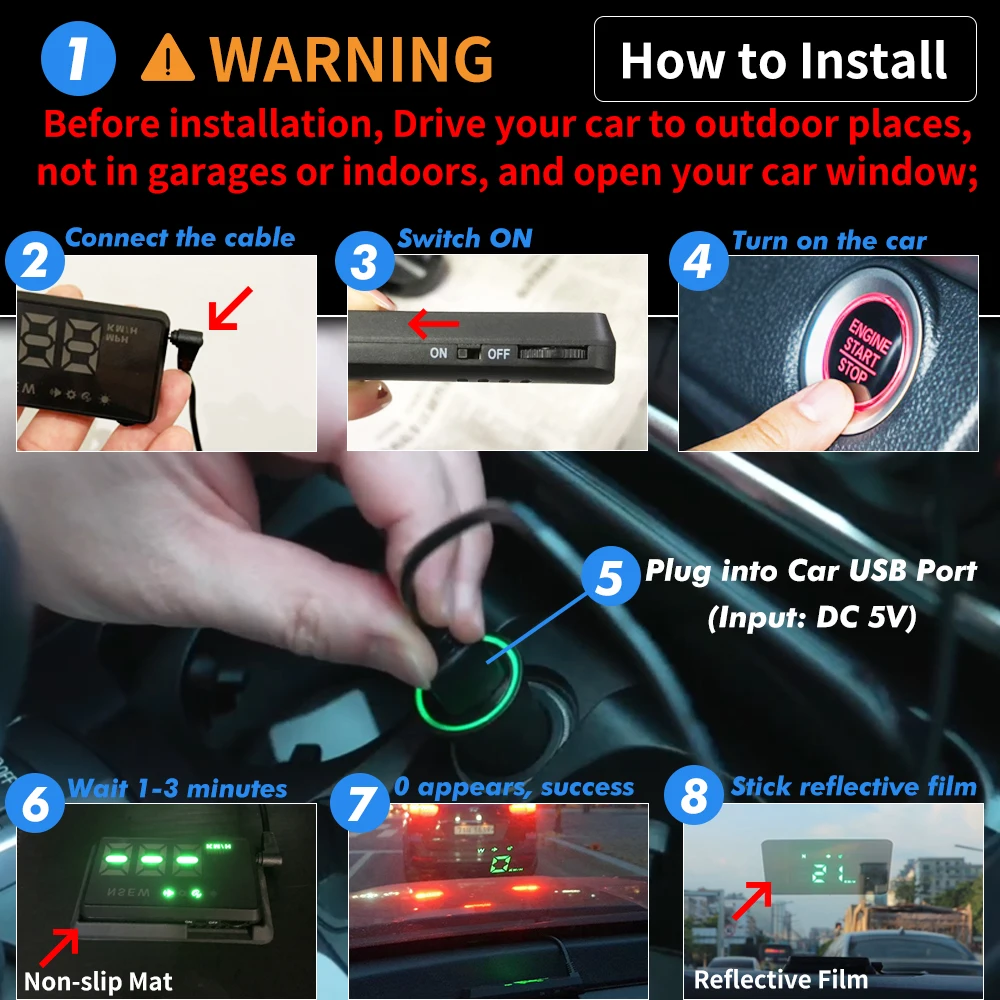
1.Before installation, drive your car in outside place, not in garage or indoor, and then open you car window.
2.Connect the USB cable to your car's USB port,the other end connect to your device;
3.Switch on the device, and start up your car, It will take about 1-3 minutes to search for the signal.
4.After “0” appears, it is successful to install.FAQ:
1.How to Adjust the Speed Error?
--Long press the button to enter into the setting interface;
--Scroll left/right the button to adjust the number to "F-4";
--Short press the button to confirm it;
--Scroll left/right the button to adjust the number(Default: 100),
If car speed is 100, the device shows 103, you can adjust the number to 97;
If car speed is 100, the device shows 97, you can adjust the number to 103;
--Short press the button to save it. Release your hand, it will automatically back to the main interface.2.How to adjust the speed unit to "MPH"?
--Long press the button to enter into the setting
KWHUD Car HUD Head-up Display GPS Universal Digital Speedometer Windshield Proje
5% off all non-discounted items


